
Streaming Sticks, Smart TVs, and Set-Top Boxes: How Their Differences Shape Your Viewing Experience
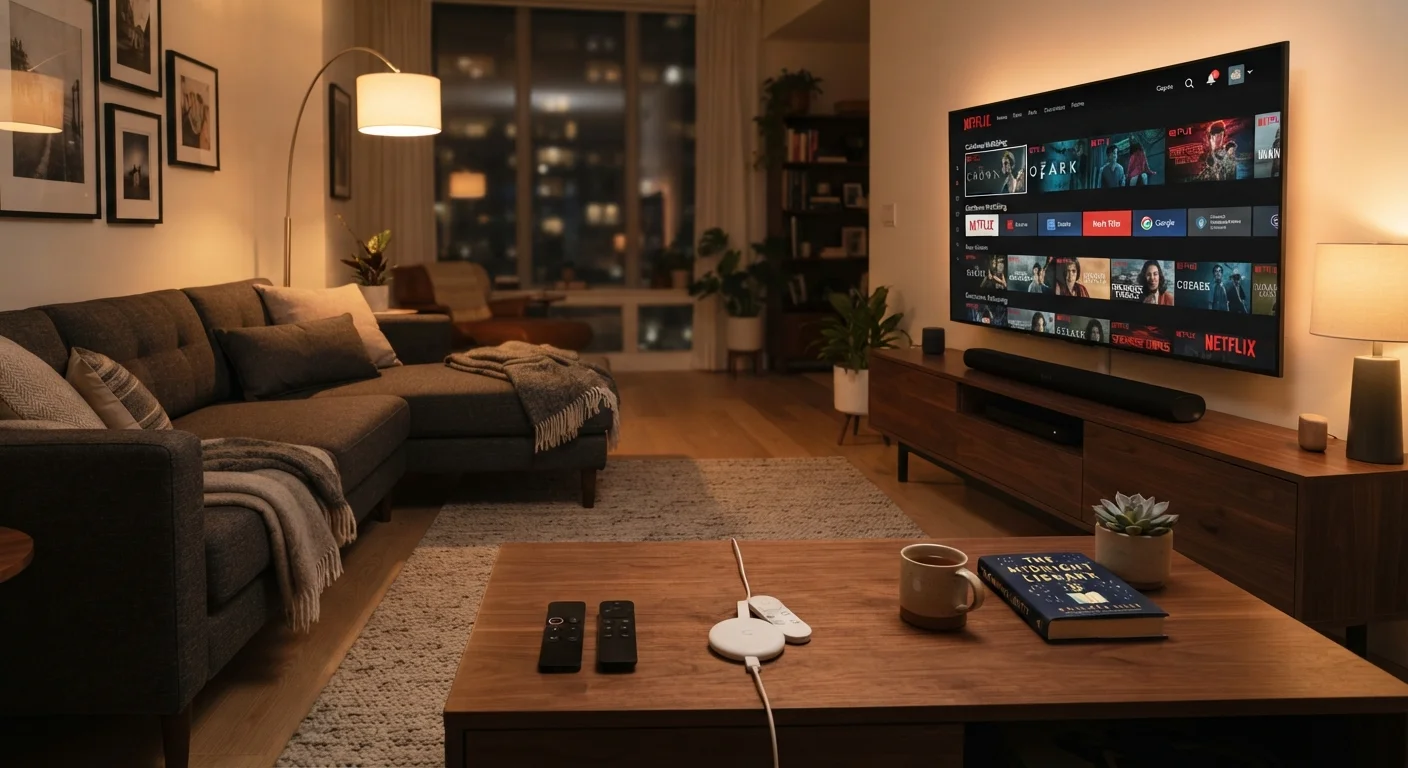
Photo credit: featuredbuzz.com
In this article
Compare streaming hardware options across performance, app support, and longevity so your family picks the setup that fits how you actually watch.
Key Takeaways
- Streaming sticks cost less upfront but depend entirely on your TV's HDMI port and your home Wi-Fi quality.
- Smart TVs consolidate hardware into one unit but may stop receiving software updates sooner than standalone devices.
- Set-top boxes generally offer the most processing power and longest software support cycles of the three categories.
- App availability varies by platform and can change over time, which affects long-term usability regardless of hardware type.
- Processing speed and RAM matter more than resolution spec for day-to-day responsiveness on any streaming device.
What each hardware category actually is
A streaming stick is a small dongle that plugs directly into a TV's HDMI port and draws power from a USB port or a wall adapter. It runs its own operating system and connects to streaming services over Wi-Fi. Because all processing happens on the stick, the TV itself is just a display.
A smart TV has the streaming platform built into the television's own hardware. You use the TV's remote, the TV's processor, and the TV's internet connection. No external device is required, though you can still attach one if the built-in software falls short.
A set-top box sits between the TV and the wall, typically connected by HDMI, and runs a full operating system with its own processor and storage. Set-top boxes tend to be physically larger than sticks and usually require a separate power supply. That extra hardware budget generally goes toward faster processors and more RAM. For context on how these devices interact with your display, see what TV specs actually mean for picture quality.
Performance and responsiveness
The single factor families notice most in daily use is how fast the interface responds. A slow menu that stutters when you scroll through a library or takes several seconds to launch an app gets frustrating quickly, especially with children in the room.
Streaming sticks typically use lower-power processors to keep size and cost down. On current-generation sticks this is rarely a problem for basic 1080p or 4K playback, but multitasking, such as switching rapidly between apps or running picture-in-picture, can expose the limits of that hardware.
Smart TVs vary widely. A television's streaming performance depends on the processor the manufacturer chose for that specific model and year. Entry-level sets sometimes use the same chip tier as budget sticks. Higher-end televisions may outperform a mid-range stick but still trail a dedicated set-top box in raw responsiveness.
Set-top boxes, because they dedicate all onboard hardware to running the platform rather than also driving a display panel, tend to have the most headroom. Faster processors and more RAM mean less buffering on app launches and smoother navigation.
| Streaming stick | Smart TV (built-in) | Set-top box | |
|---|---|---|---|
| Upfront hardware cost | Low | Included with TV purchase | Mid to high |
| Processing power | Low to mid | Varies by TV tier | Mid to high |
| Typical software support | 3 to 5 years | 2 to 4 years | 4 to 6 years |
| Portability | High, fits in a pocket | None | Low, requires power cable |
| Setup complexity | Simple | Simplest | Moderate |
| App ecosystem control | Platform maker | TV manufacturer | Platform maker |
Software updates and long-term usability
Hardware longevity is partly a physical question and partly a software one. A device that runs well today but stops receiving operating system updates in two years may lose access to new app versions or stop running certain services entirely.
Smart TV platforms have historically had shorter update windows than standalone streaming devices. A television purchased in a given year may receive platform updates for two to four years, after which the manufacturer stops pushing new software. The TV still works as a display, but the built-in streaming platform may fall behind. Attaching a streaming stick or set-top box to an older smart TV is a common workaround for this exact problem.
Standalone devices, particularly set-top boxes, have tended to receive longer software support from their platform makers. That said, no manufacturer publicly commits to a guaranteed update schedule in plain consumer-facing terms, so this is a general pattern rather than a warranty.
Software update policies are one of several specs families routinely overlook when comparing devices, often because that information isn't on the box.
App availability and ecosystem lock-in
The streaming platform running on a device controls which apps are available. Not every service appears on every platform, and that list changes over time as agreements between platform operators and streaming services are renegotiated.
Before choosing a hardware category, it helps to list the specific services your household uses and confirm those apps exist on the platform in question. This is especially relevant for live sports, niche content services, and free ad-supported streaming channels, which have uneven platform coverage compared to the large subscription services.
Check app availability before you commit
Before purchasing any streaming device, visit the app store for that platform online and search for each service your family uses. App availability can differ between hardware generations running the same platform name, so check for the specific device model when possible. This takes about five minutes and prevents discovering a gap after you've already set everything up.
Ecosystem lock-in is a secondary consideration. Some platforms tie purchases of digital movies or TV seasons to their own store. If your family has an existing library of purchased content on one platform, moving to a device that runs a different ecosystem may leave that content less accessible.
For families focused on cost-free entertainment options alongside paid subscriptions, free family entertainment resources can help offset subscription costs regardless of which hardware you choose.
Portability and setup flexibility
Streaming sticks have one clear advantage over the other two categories: they travel. Families who bring their own streaming access to vacation rentals, hotels, or a second home find a stick much easier to pack than a set-top box and obviously easier than a television. If your household watches in multiple locations, a stick fits in a bag without thought. For more on what to consider when setting up entertainment at a temporary home, vacation rental planning guides cover the broader logistics.
Set-top boxes stay put. Smart TVs stay put. Both assume a fixed viewing location, which is fine for a living room or bedroom setup but limits flexibility.
Setup complexity follows a similar pattern. A streaming stick requires plugging into HDMI, connecting to Wi-Fi, and signing in. A smart TV needs only a Wi-Fi password and account credentials. A set-top box requires a power cable, HDMI cable, and account setup, which is still straightforward but involves more physical components than a stick.
For a broader look at how these devices fit into a complete home entertainment setup, the plain-language electronics specs guide covers the full range of categories most households encounter.

Author
Smart Electronics Picks Editorial Team
Smart Electronics Picks Editorial Team is the collective byline for our editorial team and contributor network. Articles published under this byline or an editorial pen name are researched, written, and reviewed according to our editorial standards for clarity, consistency, and independence before publication.
View all articles →